Reverse record keeping, for iPhone
Your year,
kept safe.
Write down what you did, after you did it. Kept turns a ten-second daily log into the attendance record, hours ledger, evaluator portfolio and quarterly report your state or province asks for — assembled as you go, not the week before it's due.
Available now on iPhone, in the US and Canada. Logging is free, forever.
If your binder works, keep it.
Plenty of families run a paper binder and it serves them beautifully — it's free, it's yours, and nothing about it needs fixing. Kept isn't here to talk you out of it.
Kept is for the days there's no page to cut out. The LEGO build. Fractions measured into a mixing bowl. The nature walk. The chapter read aloud on the couch. And, more than anything else now, the work your child did on a screen — where there is no worksheet to file at all.
It already has a name
Reverse record keeping.
Plan the week, watch life happen to it, then white-out the boxes and move everything down. Most homeschool apps are built around that cycle — their proudest feature is helping you reschedule the plan you just broke.
A lot of families quietly gave up on it years ago and started writing the day down after it happened instead. Some call it reverse record keeping, some call it backwards planning, some just call it their captain's log. It turns the week from a list of things you didn't get to into a record of what you actually did — which, it turns out, is almost always more than it felt like.
Kept is built for that, and only that. It's the whole design.
How it works
Ten seconds a day. One tidy year.
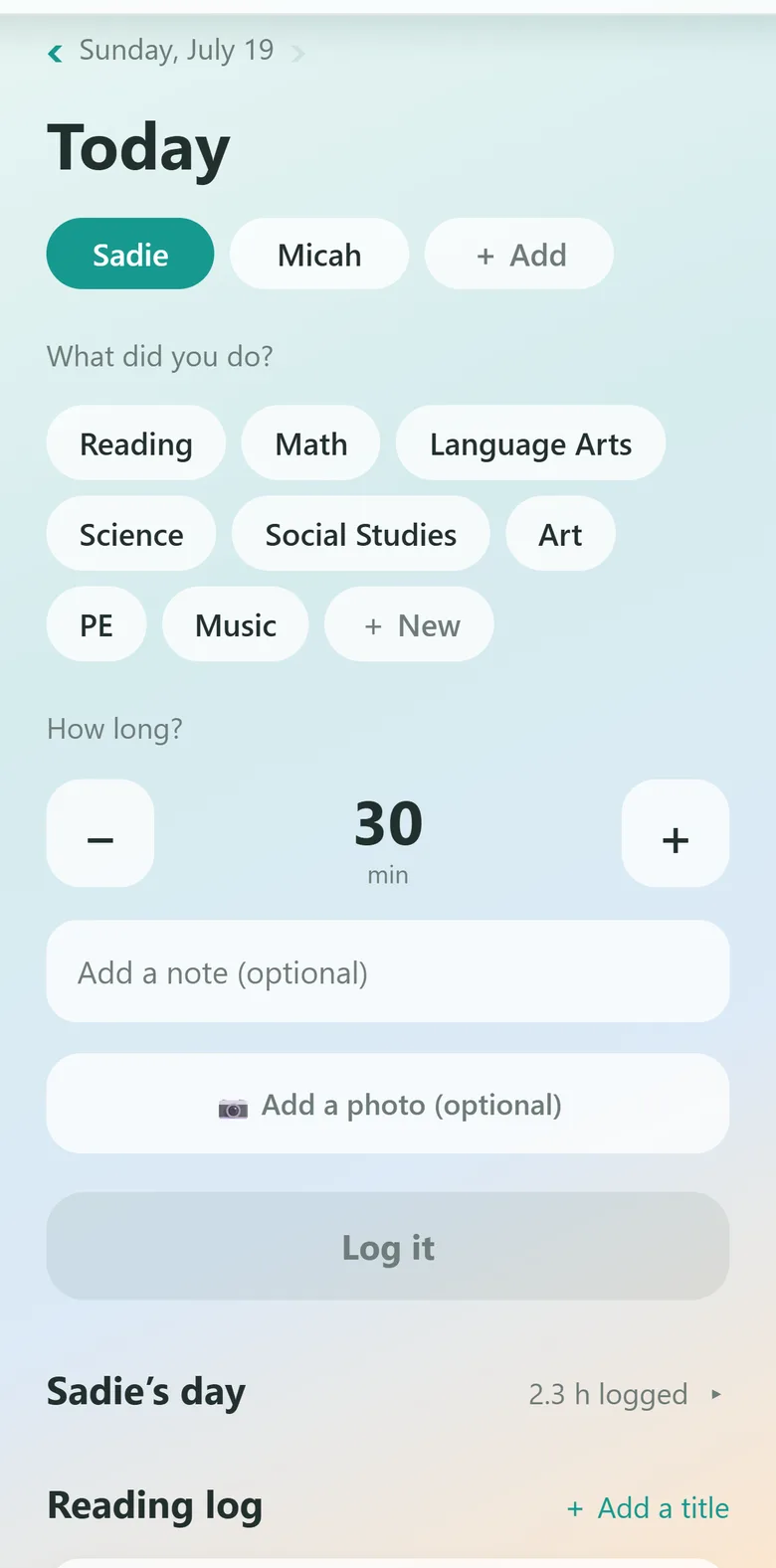
Kept never asks you to plan first. There's no lesson plan to build before you're allowed to write anything down, and no checklist sitting there half-empty at the end of the week. You tell it what already happened, and it keeps the books.
Log the day
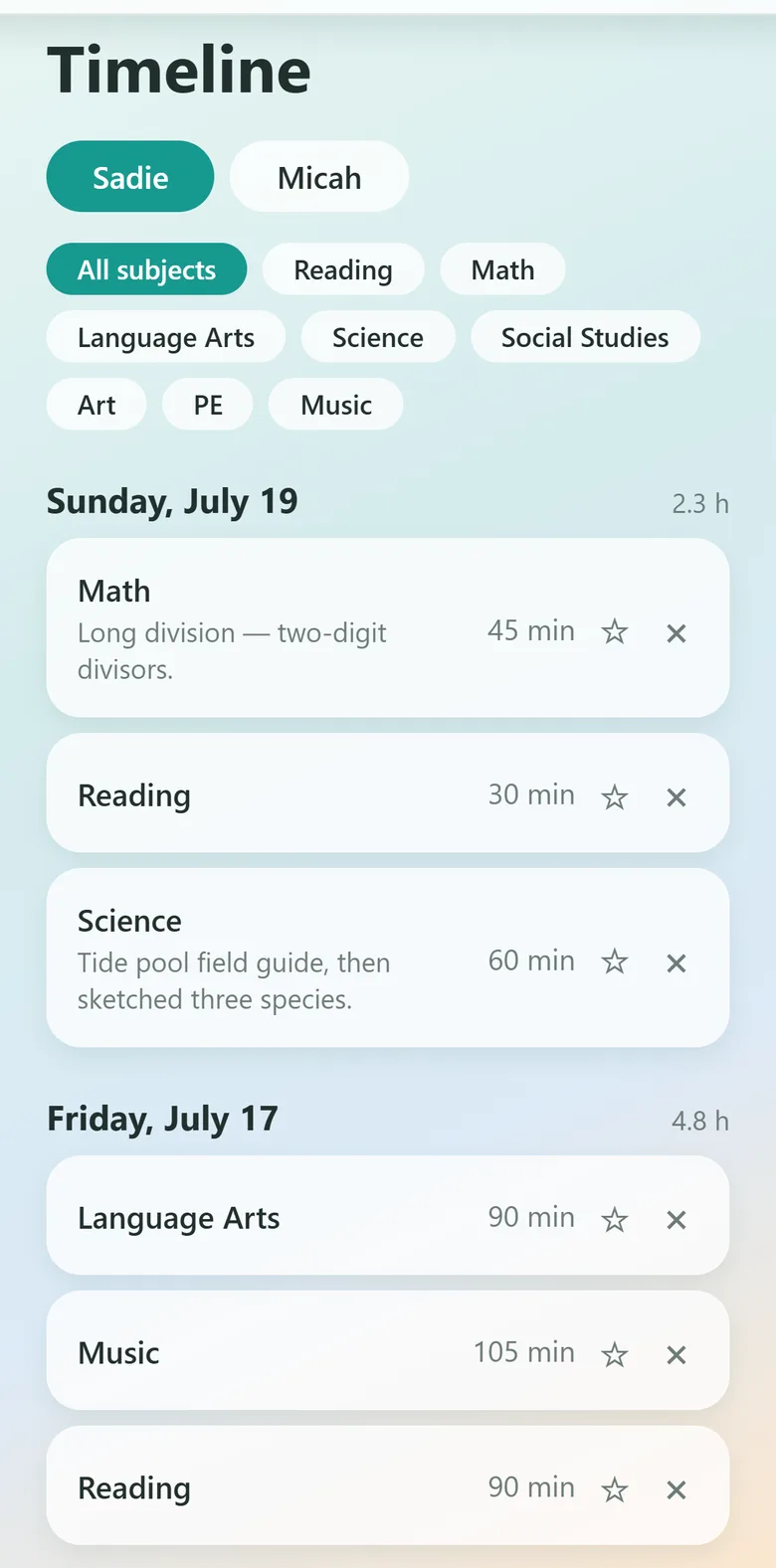
Child, subject, minutes — about ten seconds. Add a note or a photo if the day deserves one. Missed a few days? Step the date back and fill them in on Saturday.
Star the keepers
Tap ☆ on the entries worth showing. Evaluators want a handful of samples per subject that show progress — not a year dumped on the table. Your portfolio curates itself as the year goes.
Export when it's due
Attendance, hours, portfolio, quarterly report — one tap each, as a PDF you can print, email, or hand over. Nothing to reconstruct from memory in June.
See it whole
Watch a year go by, in five minutes.
The real app, narrated start to finish — setting up, logging a day, and every document it produces. Sample family data throughout.
If your curriculum lives on a screen
You can't put a screen in a binder.
It's the question homeschool parents ask most often and get answered least well: how do I document an online curriculum? Whether it's Time4Learning, Khan Academy, or a math app, there's no worksheet to three-hole punch — the lessons live on a server somebody else owns.
A photo of the screen — the finished lesson, the score, the project — becomes a real record the moment you log it. It's stamped with the date, filed under the subject, and waiting in the portfolio at year's end. The original stays intact, too: nothing gets cut up, so the workbook still works for the next child.
Why it's called Kept
Four things worth keeping.
Every day logged, in one place, in the order it happened.
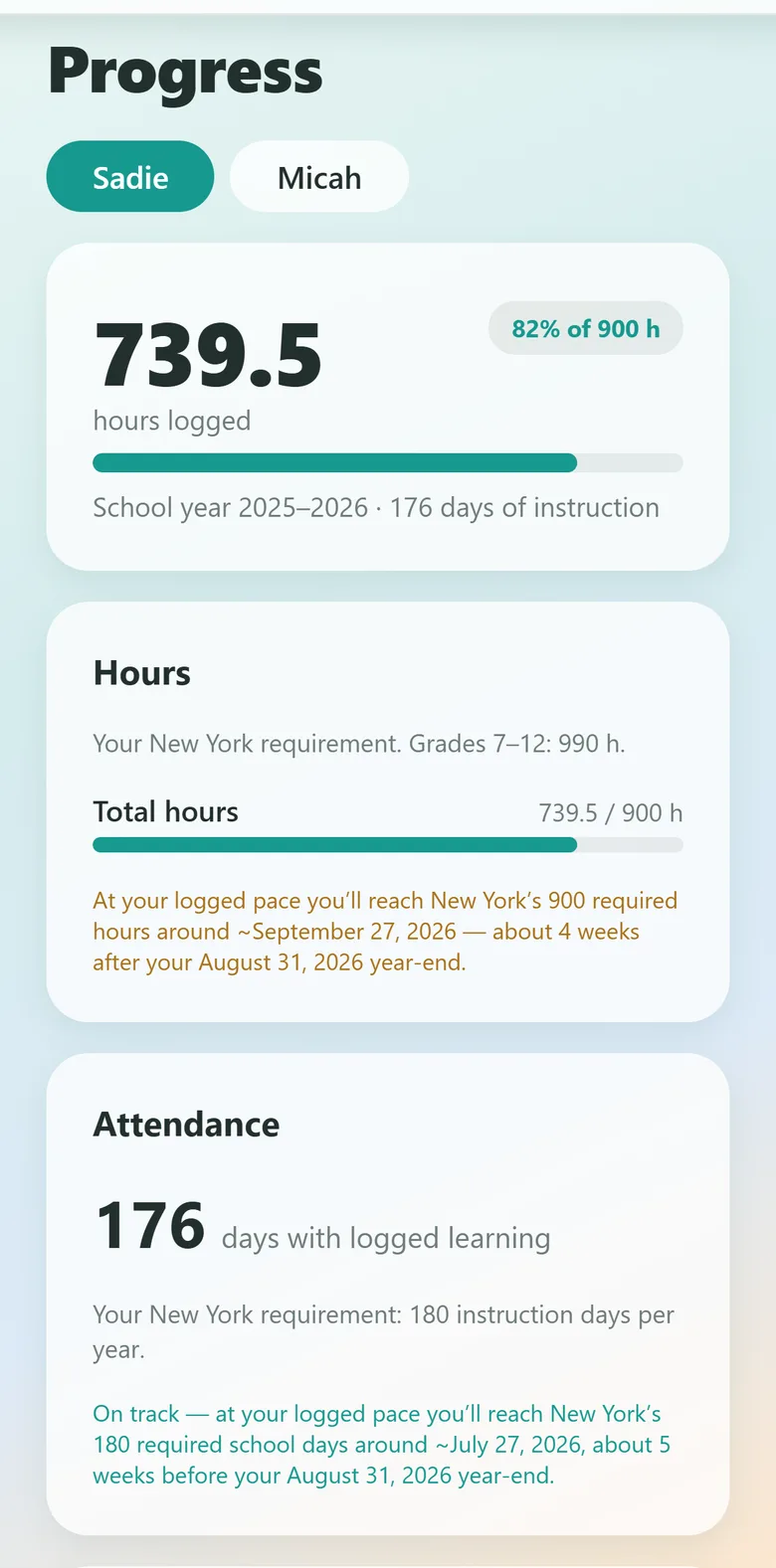
An honest read on whether this year's hours and days will land in time.
The photos and the read-alouds, not just the minute totals.
What your state actually asks of you, sourced and dated.
What it produces
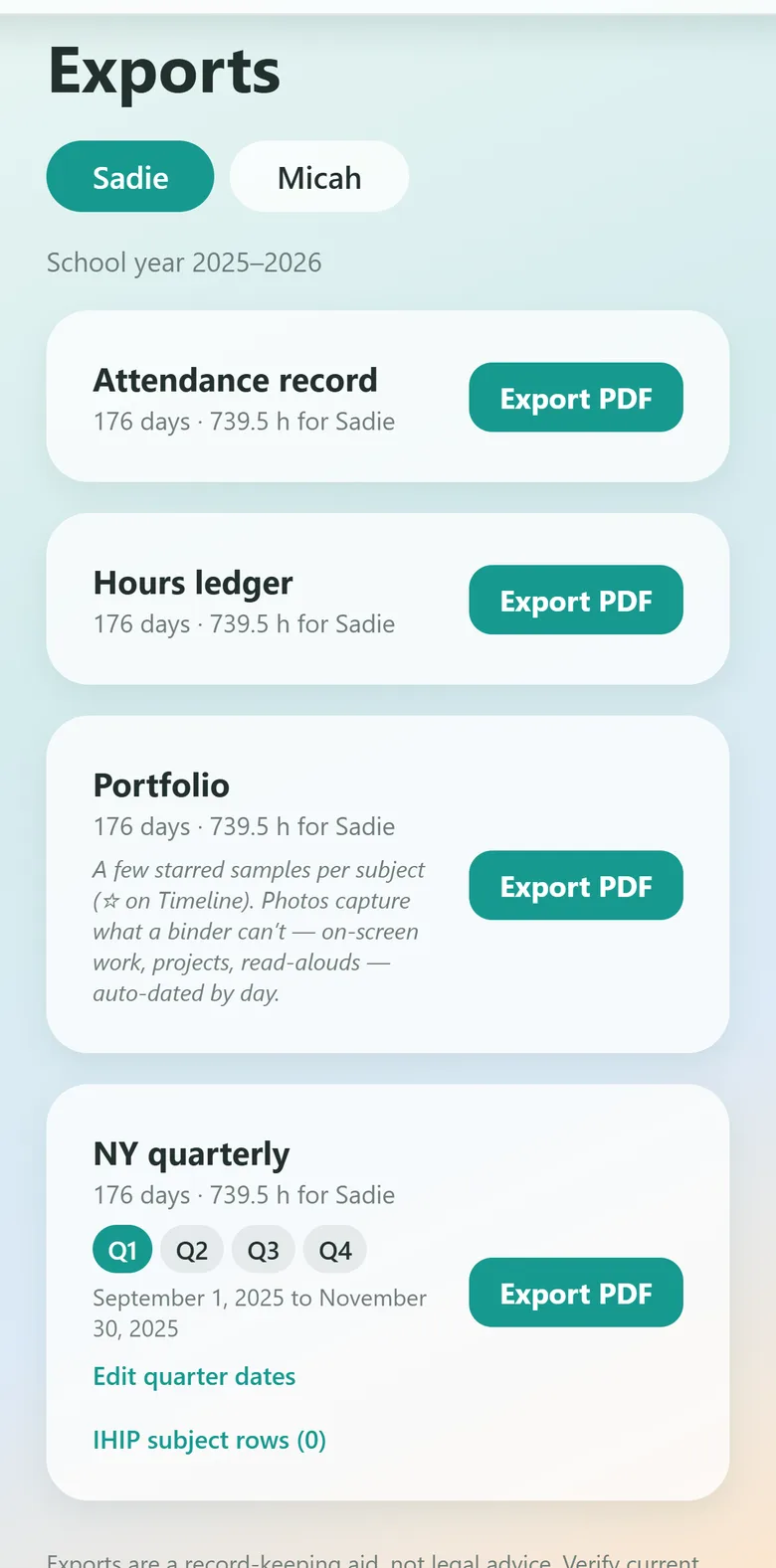
Four reports, built from the day you already logged.
Each one carries what your state or province asks a record to contain — New York's quarterly report, for instance, holds the four things New York's own regulation says a quarterly report must cover, and prints that regulation, with the date it was checked, right on the page. Everywhere else they are the same four records, built to be read by whoever asks for them.
Attendance record
Every day with logged learning, counted and dated, across the school year you set.
Hours ledger
Instruction hours by subject and by day — including the core / core-at-home split where your state draws one.
Evaluator portfolio
Cover page, work samples grouped by subject with the photos embedded, and a reading-materials log listing titles by name.
Quarterly report
The four-times-a-year filing, with quarter dates you can edit and your subjects mapped onto your IHIP rows.
What Kept will never do: make something up.
Kept fills in what your log actually knows — dates, subjects, minutes, titles, photos. Grades, written narratives and test results are left as blank slots for you to complete, because they're yours to write and no app should invent them. Kept is a record-keeping aid, not legal advice, and it never claims a report has been accepted by anyone.
Your requirements, kept
Sourced at the statute. Dated on the page.
Pick your state or province and Kept shows you what's actually required — the notice and its deadline, the subjects, the hours or days, whether testing applies, and what you have to keep versus what you have to file. Every claim carries a link to the primary law and the date it was last verified.
Where a state has more than one legal route, Kept encodes the common do-it-yourself path and names the alternatives out loud rather than pretending there's only one. Where we haven't verified a jurisdiction yet, Kept says so plainly and points you to your district — it does not guess.
Homeschool law changes. Records are re-checked against their sources before each school year — that ongoing verification is the substance of the subscription.
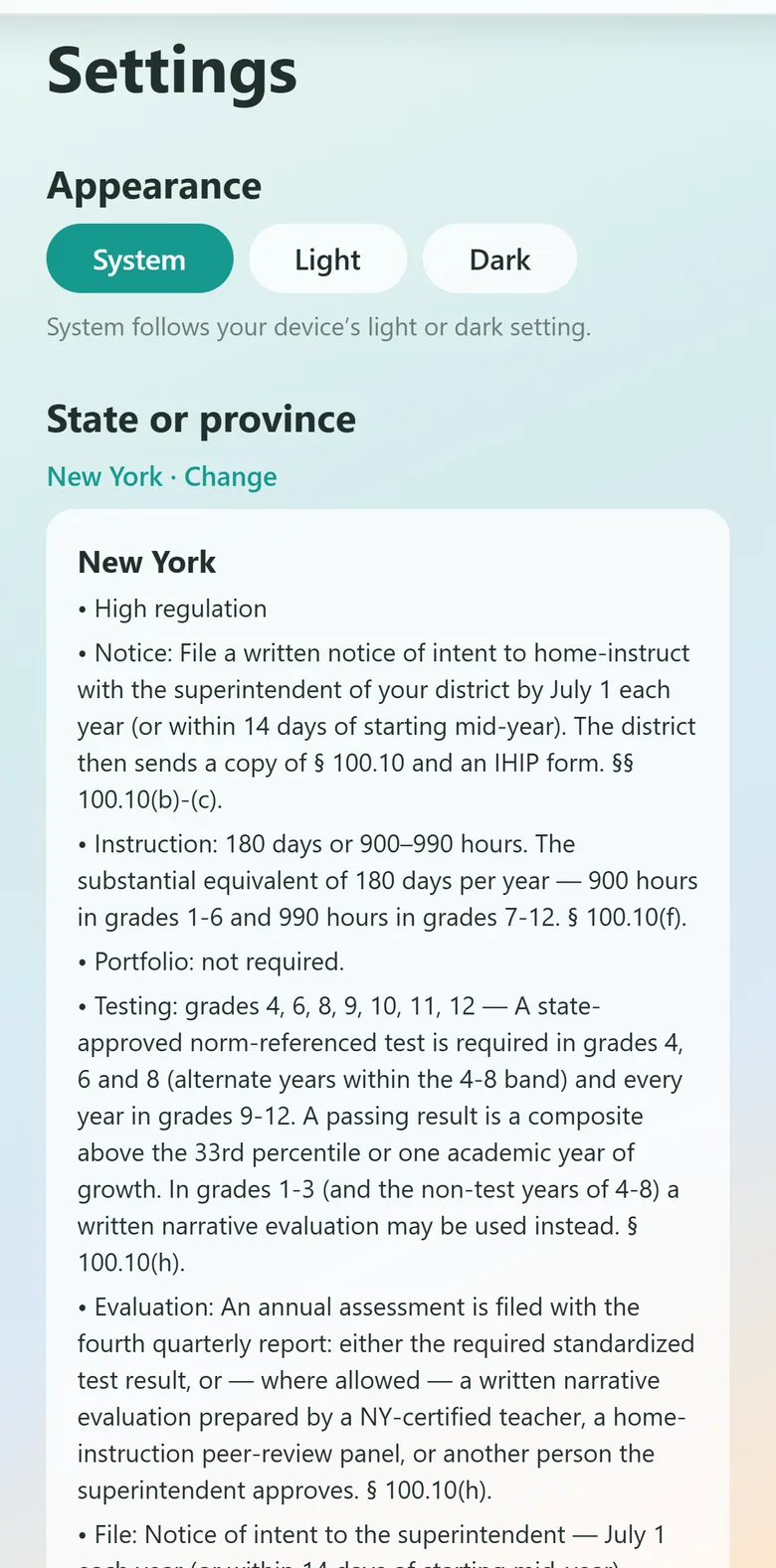
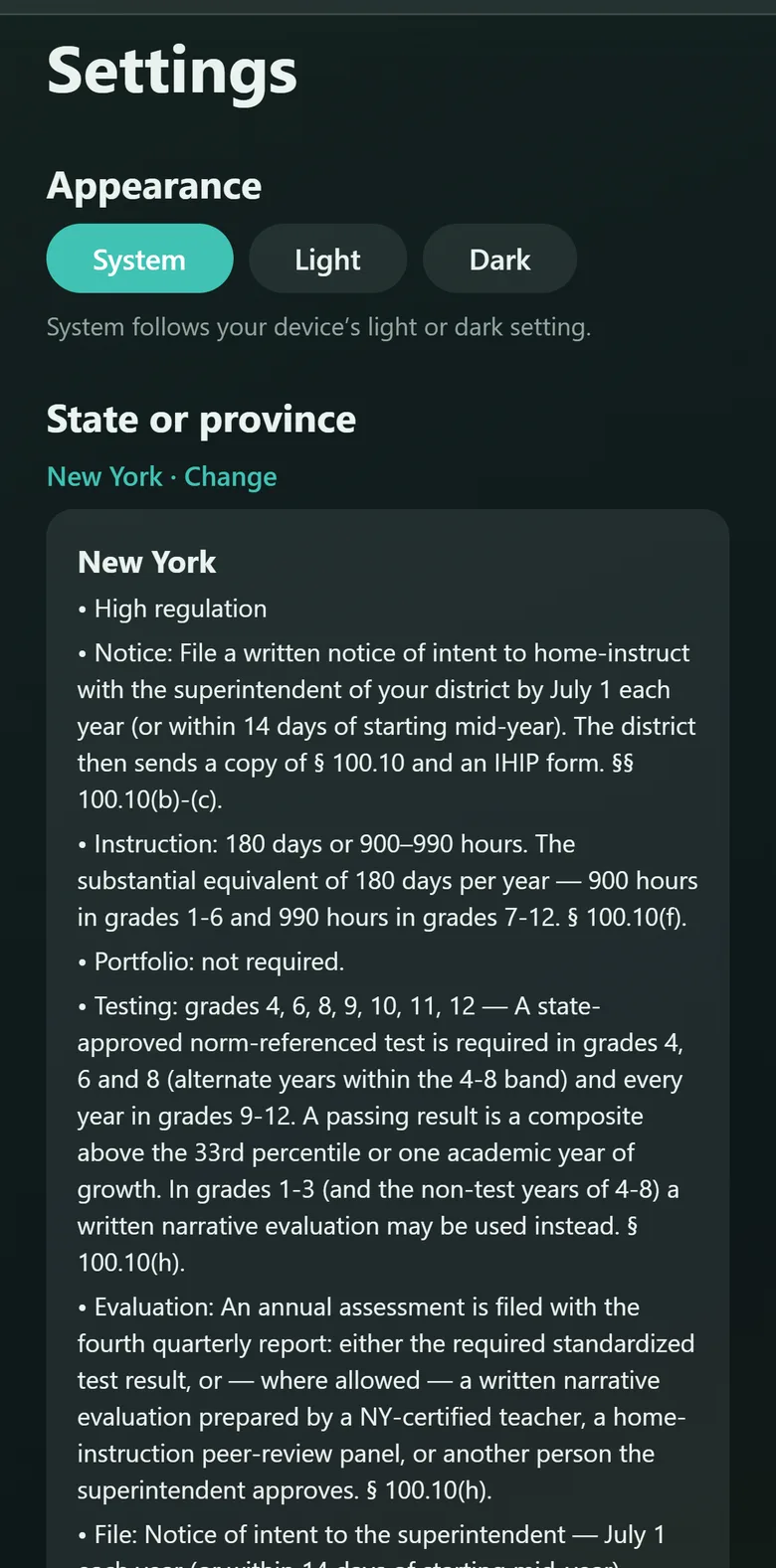
Light or dark
However you like to look at it.
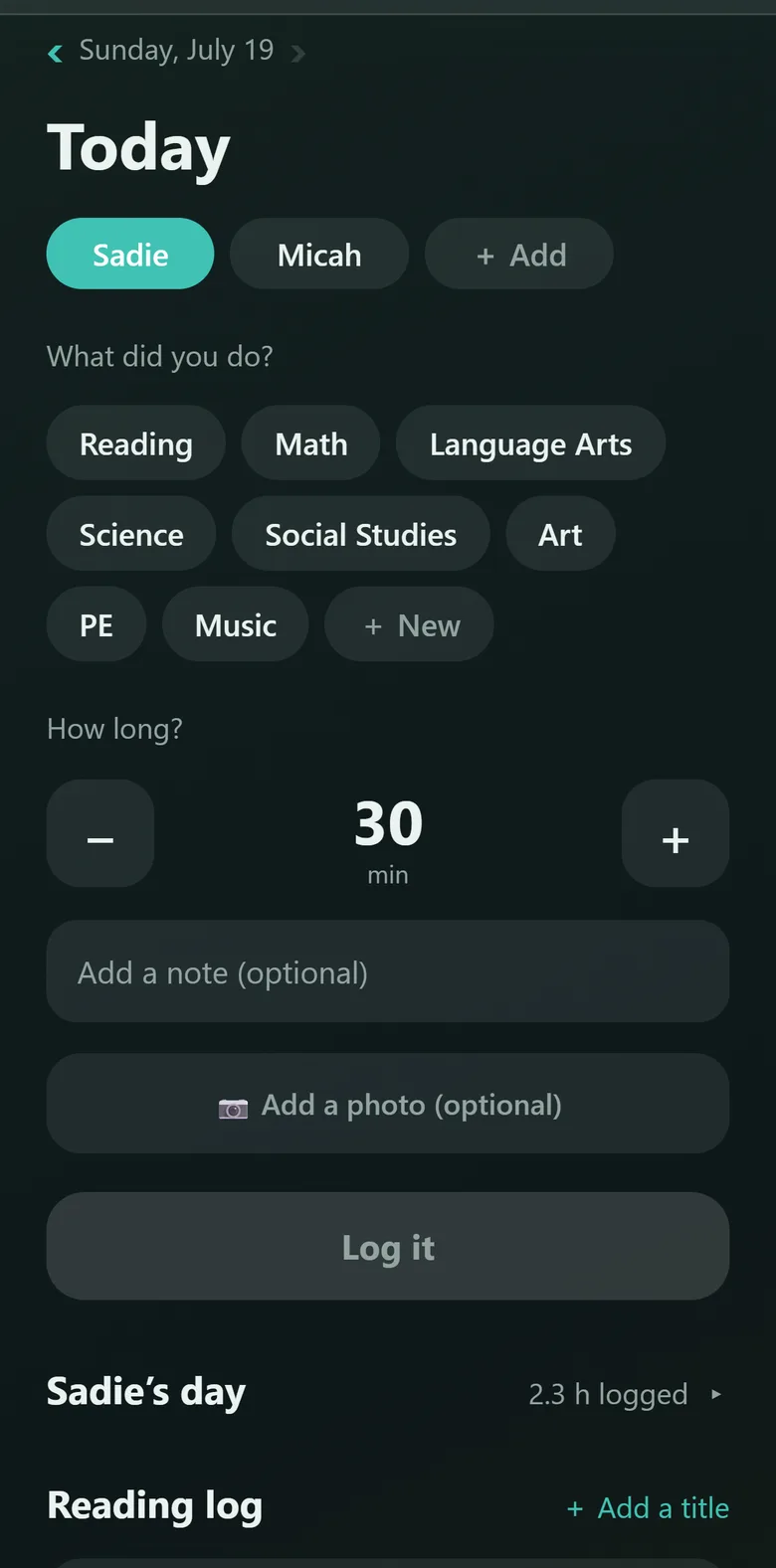
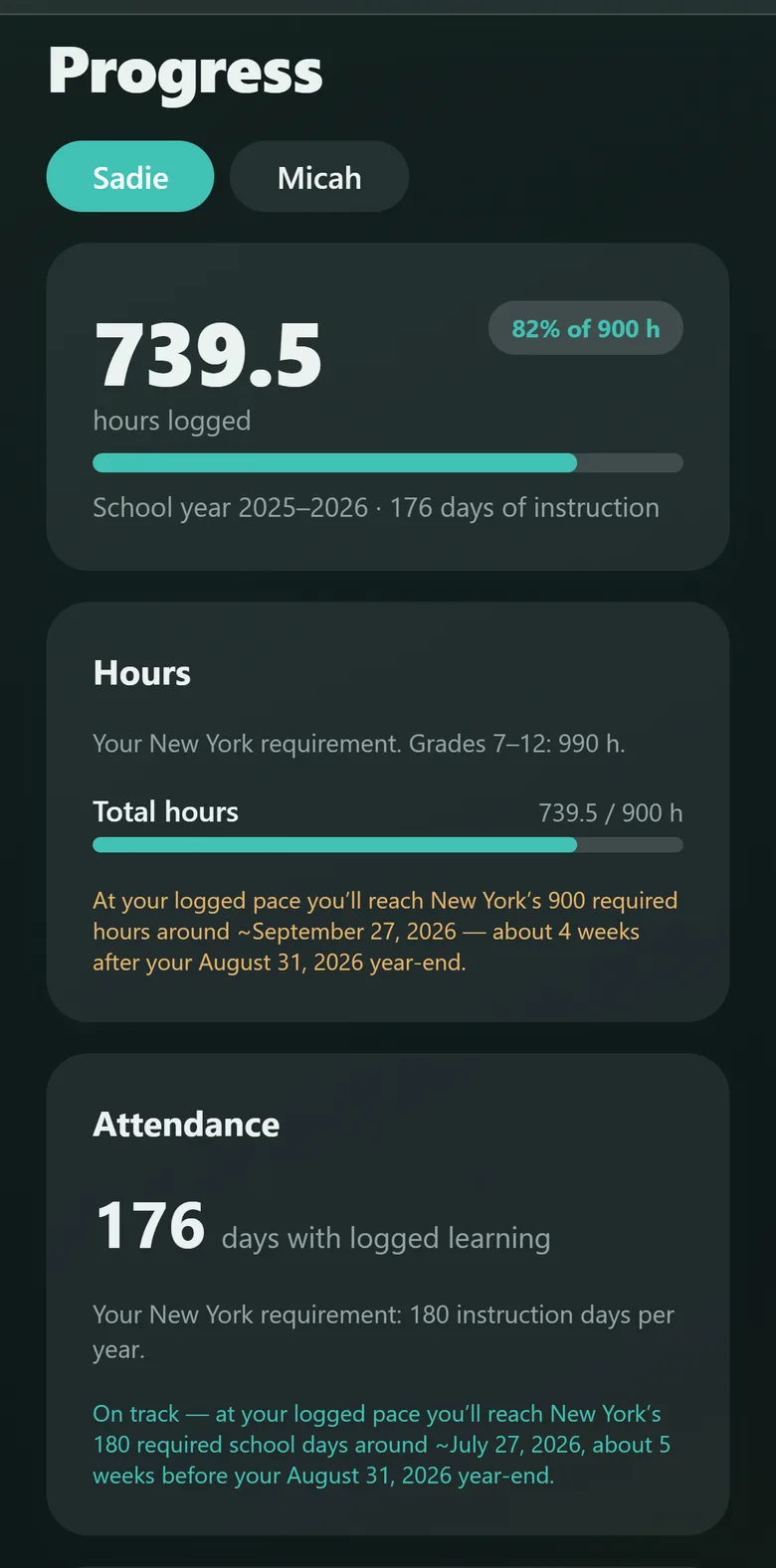
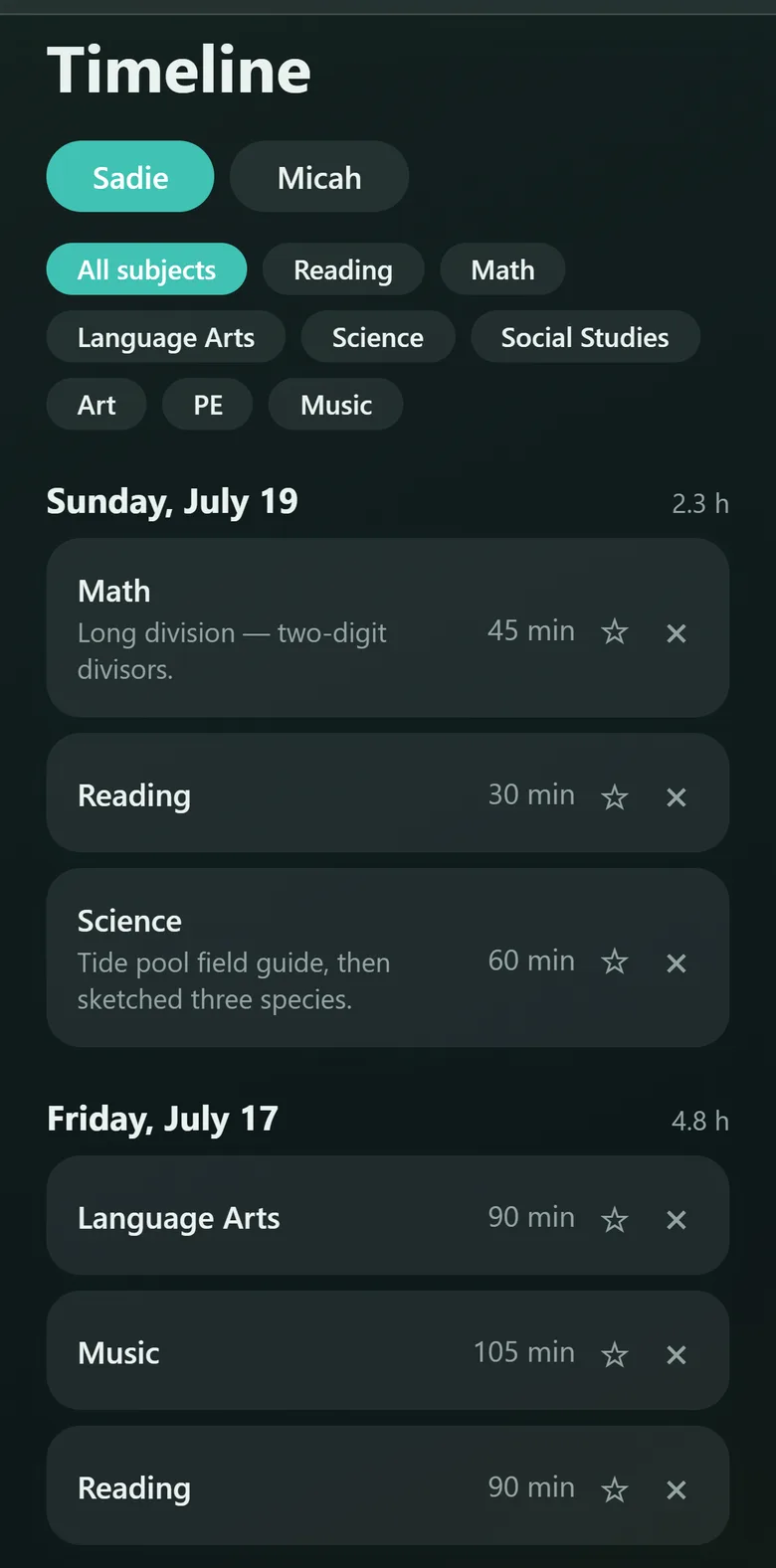
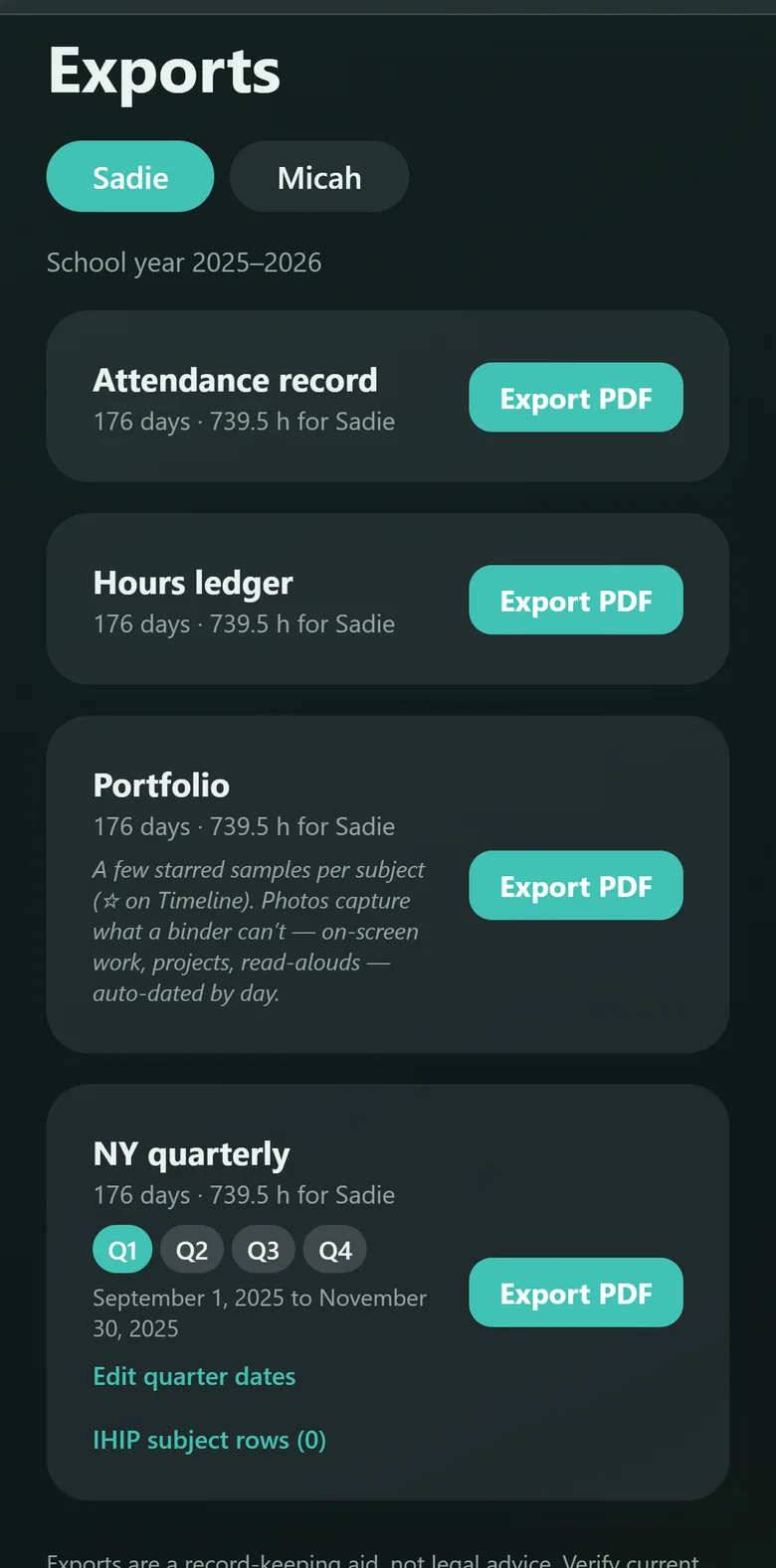
Kept follows your phone's light or dark setting, or you can pin it to one and leave it there. Same app, same calm — whether you're logging at the kitchen table in the morning or catching up on the week after the house has gone quiet.
Where your logbook lives
On your phone. Not on our servers.
Kept has no account and no sign-in wall, because it has nowhere to sign in to. Your children's names, notes and photos stay on your device. We can't lose your records, sell them, or shut down and take them with us — we never hold them.
Because there's no cloud safety net, Kept gives you a real one: a one-tap backup file you can save to iCloud, Files, or anywhere you like, and restore onto a new phone whole.
“We can't lose it, because we never hold it.”
Homeschool families have watched record-keeping services close their doors and take the year with them. Local-first isn't a limitation we're dressing up — it's the whole point.
Pricing
Logging is free. Forever.
Writing down your days costs nothing and always will — that's the habit the whole thing rests on, and putting it behind a wall would be absurd. An optional subscription unlocks the compliance reports, unlimited children, and your full history, and it pays for the part that never stops: re-verifying every state and province record against the law before each school year.
Kept won't be the cheapest homeschool app on the store. It's meant to be the one you can still trust in year three.
Kept Plus is monthly or yearly, with a seven-day free trial. The App Store listing shows the current price in your country.
Questions
Fair things to ask.
Does using Kept make me compliant with my state's law?
No — and be wary of any app that says otherwise. Kept helps you keep a thorough, contemporaneous record and formats it to match what your state's statute describes. Whether your records satisfy your district, evaluator or superintendent is between you and them. Kept is a record-keeping aid, not legal advice.
My state isn't one of the 33. Is Kept useless to me?
Not at all. The logging, the timeline, the photos, the attendance record, the hours ledger and the portfolio all work anywhere. And every remaining state carries a checked link straight to its own statute and its education department, rather than a summary Kept hasn't verified. Some states are there on purpose: where a state offers several legal routes — an umbrella school, a district-approved program, your own filing — the route changes what you have to keep, so naming the routes and pointing at the law beats guessing which one you're on. More summaries are added continuously.
I homeschool in Canada. Does this apply to me?
Yes — all nine anglophone provinces are sourced, each against its own ministry policy and regulation. Québec is not yet covered; it deserves a properly French edition rather than a half-translated one.
What happens to my records if Kept shuts down?
You keep them. They were never anywhere else. Your logbook lives on your device, and the backup file is plain, portable data you own — not a proprietary format held hostage on a server.
Can I log several children?
Yes, with Kept Plus. Each child has their own log, progress, exports and reading list, and you switch between them with one tap.
Is there an Android version?
Not yet. Kept is starting on iPhone so it can be done properly on one platform first.
I found something wrong in my state's summary.
Please tell us — that's the most valuable email we can get. Every record is sourced to primary law, but statutes get amended and we would rather hear it from you than from a family who filed on bad information. Write to support@kepthomeschool.com.
Write down what you did,
after you did it.
Kept is available now on iPhone. Curious what a day with it looks like? Read the guide.